This is my first attempt at a Word Press Post. I am an amateur at everything you see here. Comments welcome, and if you have questions, I’ll do what I can to answer.
In this post, we attempt to describe the challenges of locating and replacing and relocating and relocating our little Starlink satellite internet system.
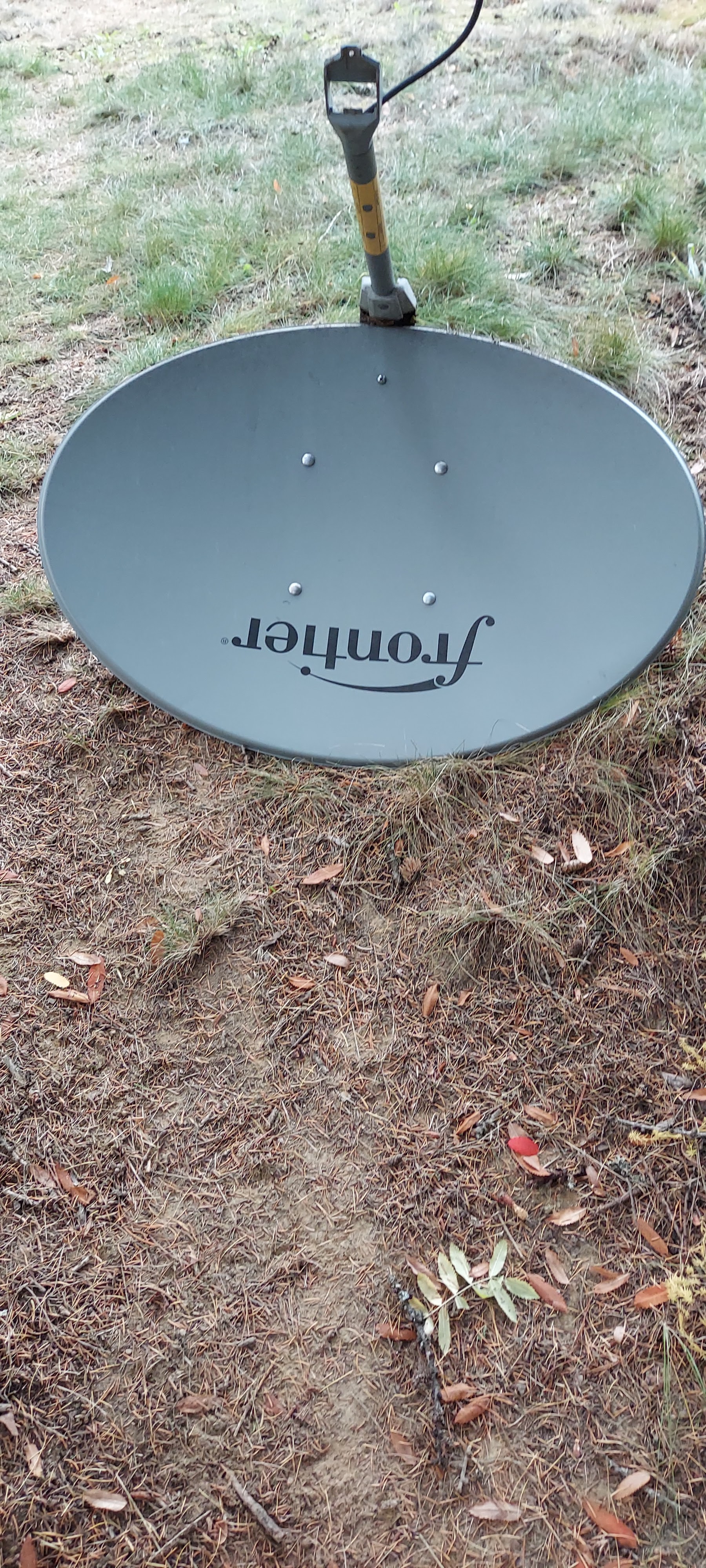
When we moved to our North Idaho property, we had Frontier Satellite Internet. There was, and is, no option for a land line. There is an option for line of sight internet from a well regarded local provider, but in order to use that, they told us we would need to build a 100 foot climbable tower to install the equipment. So that was out, too. Frontier has geostationary satellites orbiting about a zillion miles away, so while it works, its laggy and slow and expensive. It was acceptable for email and light web browsing. But we wanted more, so the legacy dish went away.
Next, we were able to set-up an external booster antenna for an LTE (Cellular 4G) hotspot. It was slow but stable. It was adequate for one user to have a low-fi zoom meeting, and streaming video on Netflix, but if two people needed to use it simultaneously, it would freeze both users.
So, when rumors of a magic new internet service popped up, we signed up. Our good fortune was our location. We are close to a ground station outside of Sandpoint, Idaho. Either because of that, or because Elon is my man, we got our dish at the end of January, 2021.
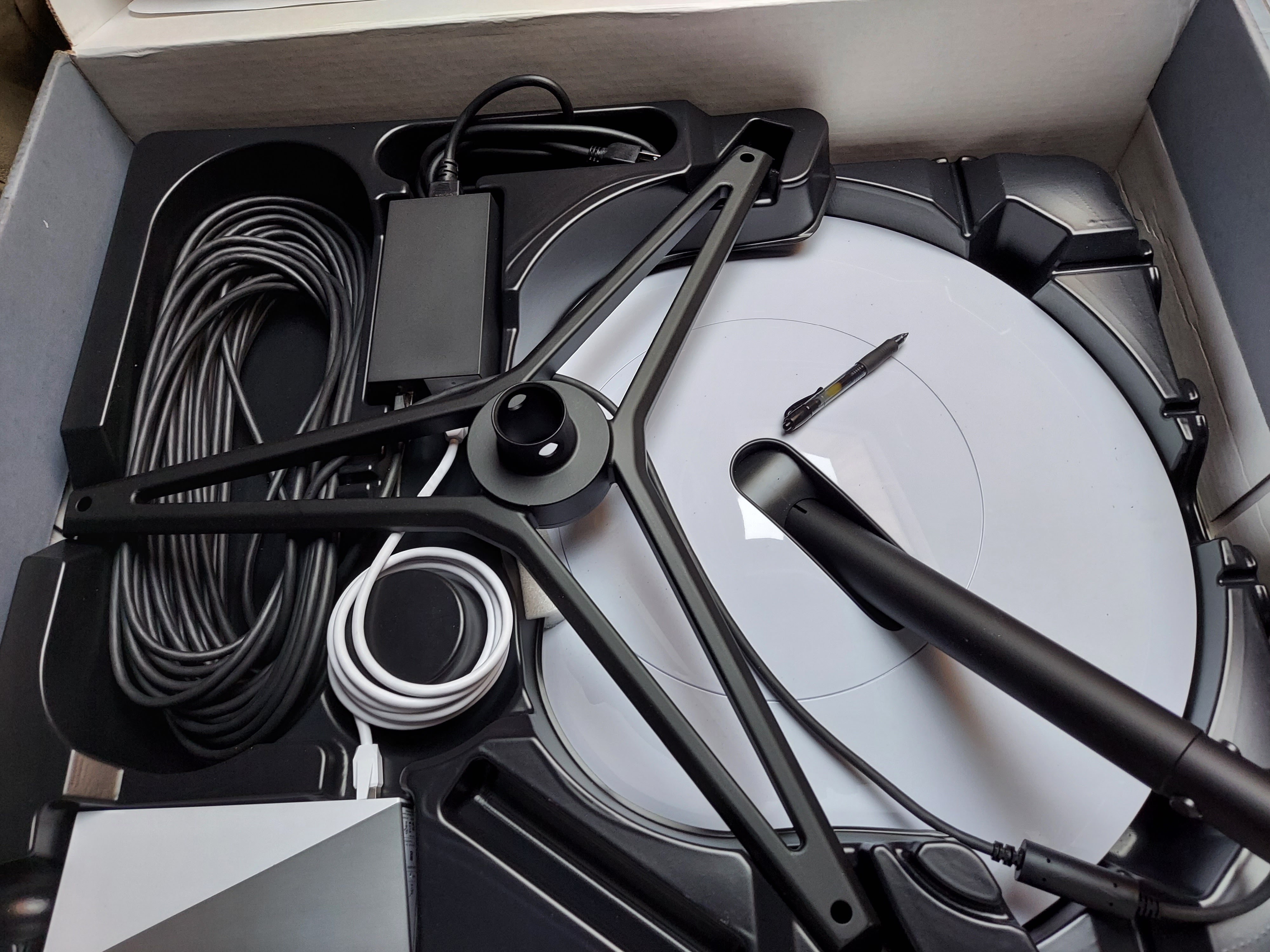
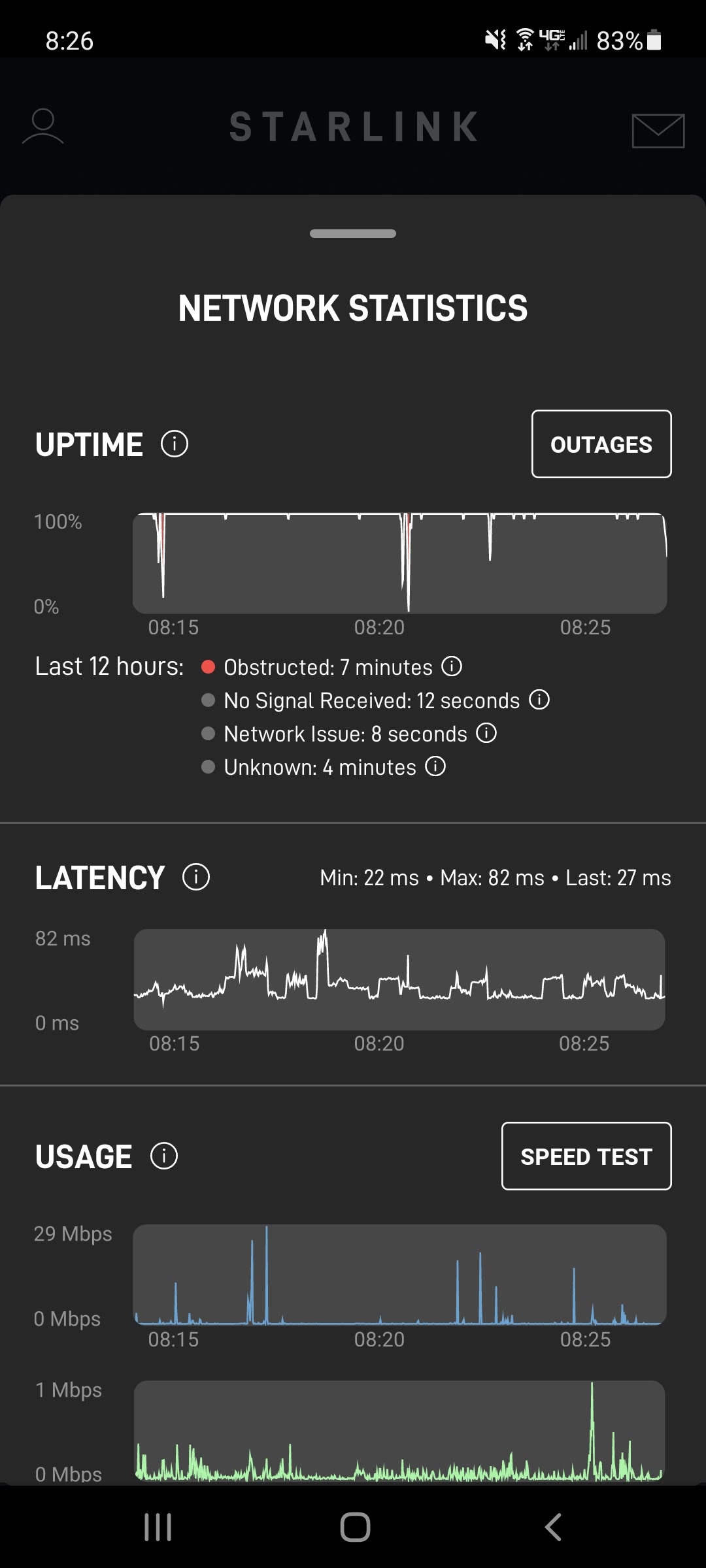
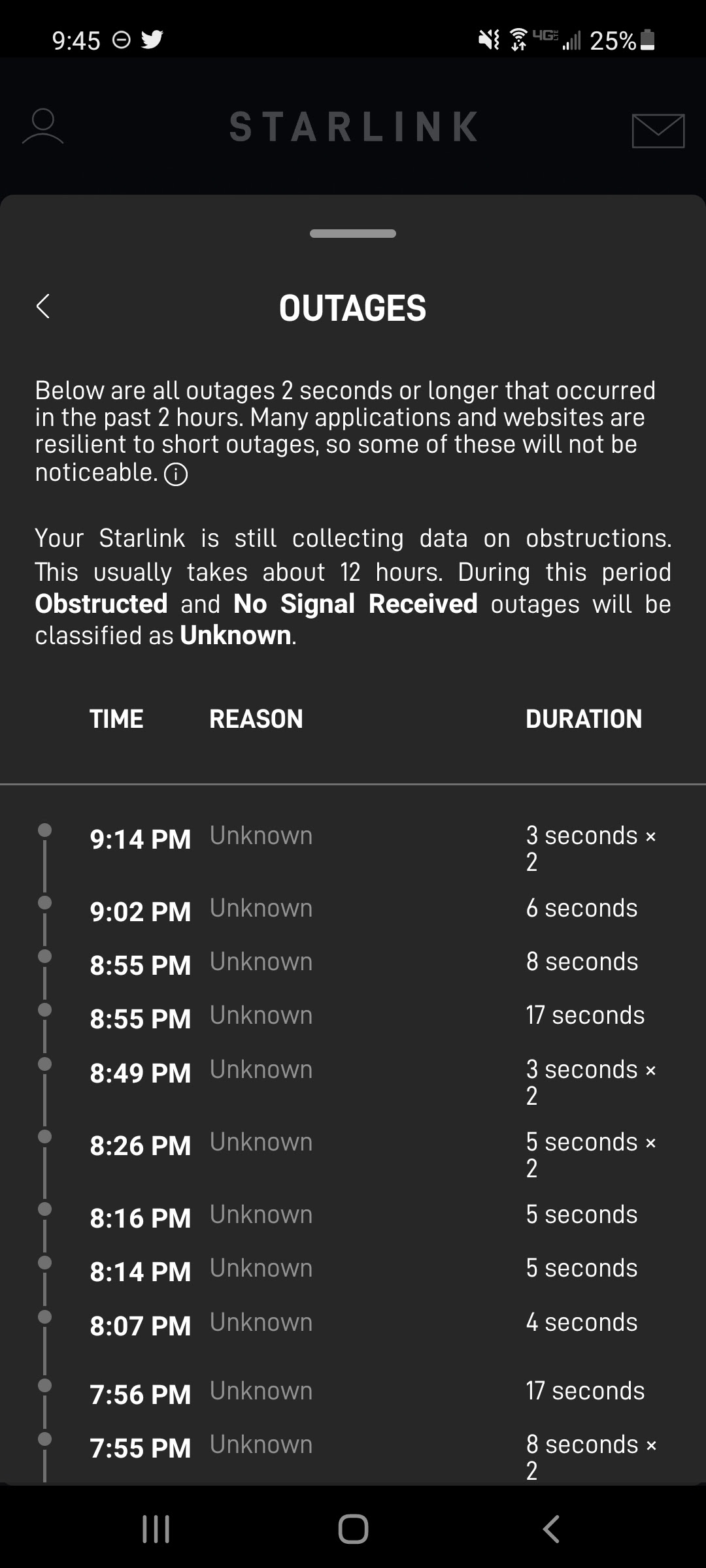
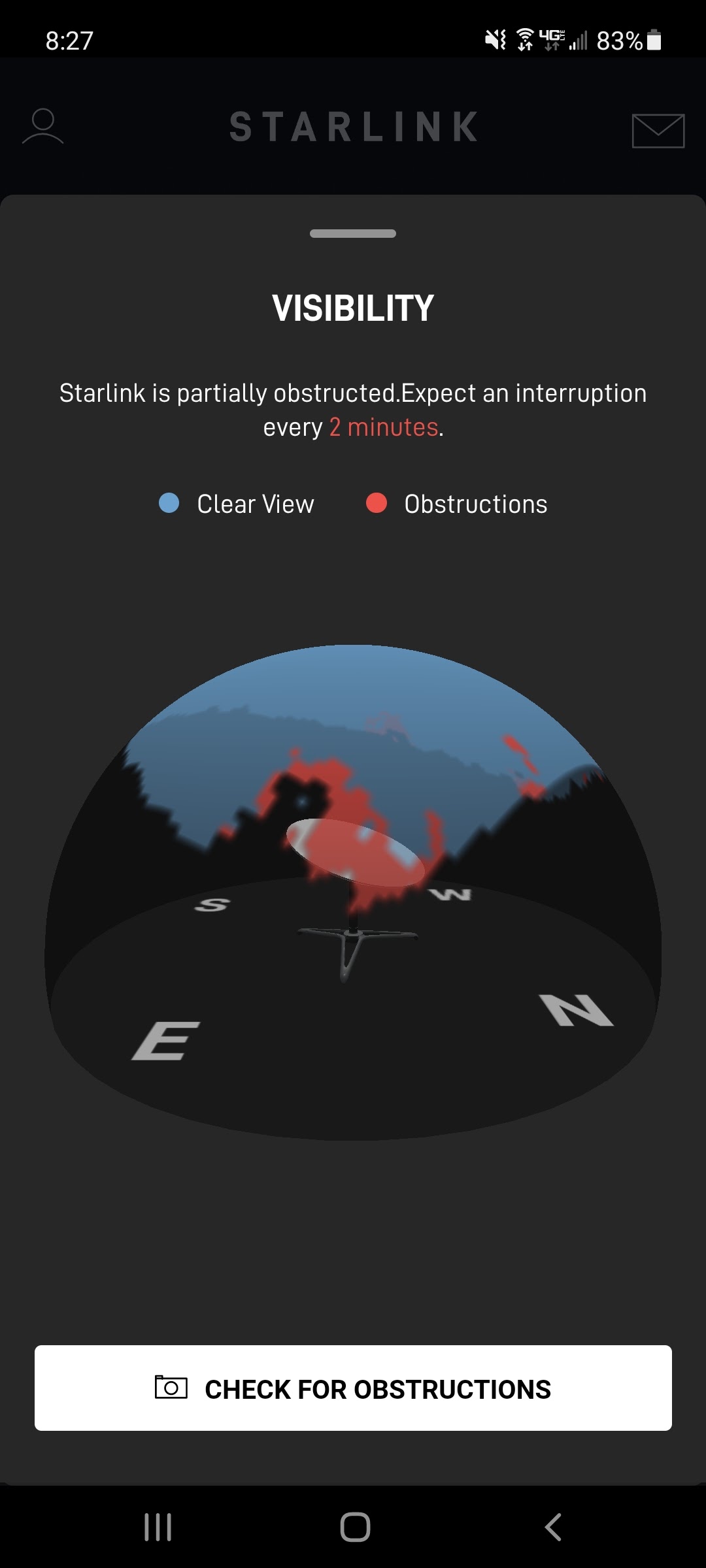
We installed it on the high point of the roof, but we had lots of obstructions in the form of 100+ foot trees. The house sits in a bowl, surrounded by trees. We held onto hope that more satellites would be launched and we would magically have better service. That seemed to happen sometime in about April, but we still had obstructions that would give us irritating hiccups every 2-4 minutes. The goal was to use the internet / wi-fi for cell calling. More on that later, but it was not practical with cut-outs every few minutes.
The next step was to remove some trees, but I was loathe to remove the ones that the Starlink App told me to cut. They are large, beautiful cedar trees that didn’t want to be cut, so, the next step was bigger, I knew I had to relocate the dish.
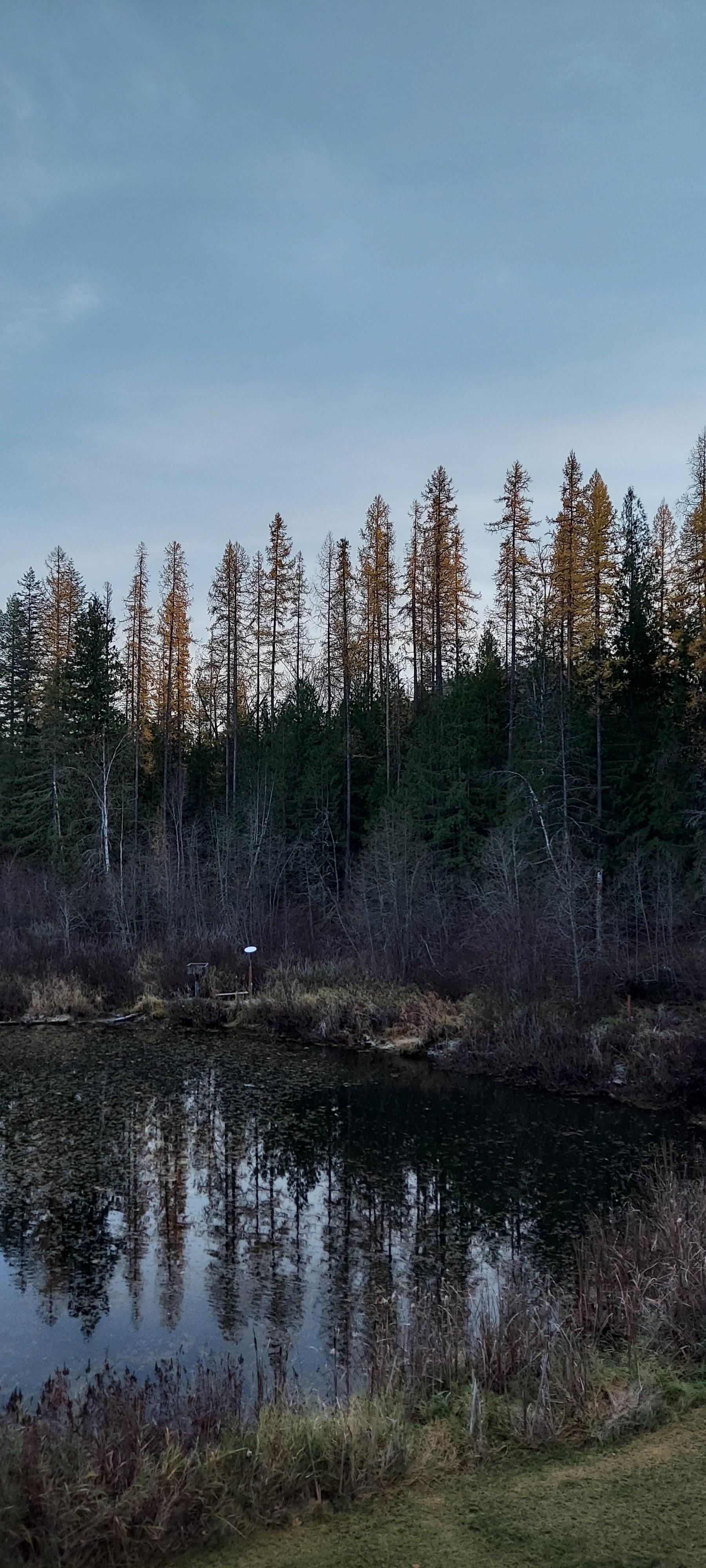
The app told me that the best spot was about 200 feet, line of sight, from the house. To make it even more interesting, line of sight includes a pond, so we had to go around the edge of the pond. I measured a few times, and kept coming up with about 280 feet.
I bought a 200 foot direct bury 23AWG CAT6 Cable, left it coiled but plugged it in and ran it in place for a few days without a hiccup. Unfortunately, direct bury seemed ill-advised, since we have been battling gophers since we moved in, and I didn’t want to fight that battle down the road. Plus, putting the original Starlink cable in conduit meant that it is removable and replaceable.
The next step was to temporarily place the dish on a temporary stand, and temporarily run the wire on the ground and run it for a few days. Once again, it ran well, and with ZERO obstructions. It was rock solid. It was a happy moment to see the speed hit 200, with low latency. But then the work began.
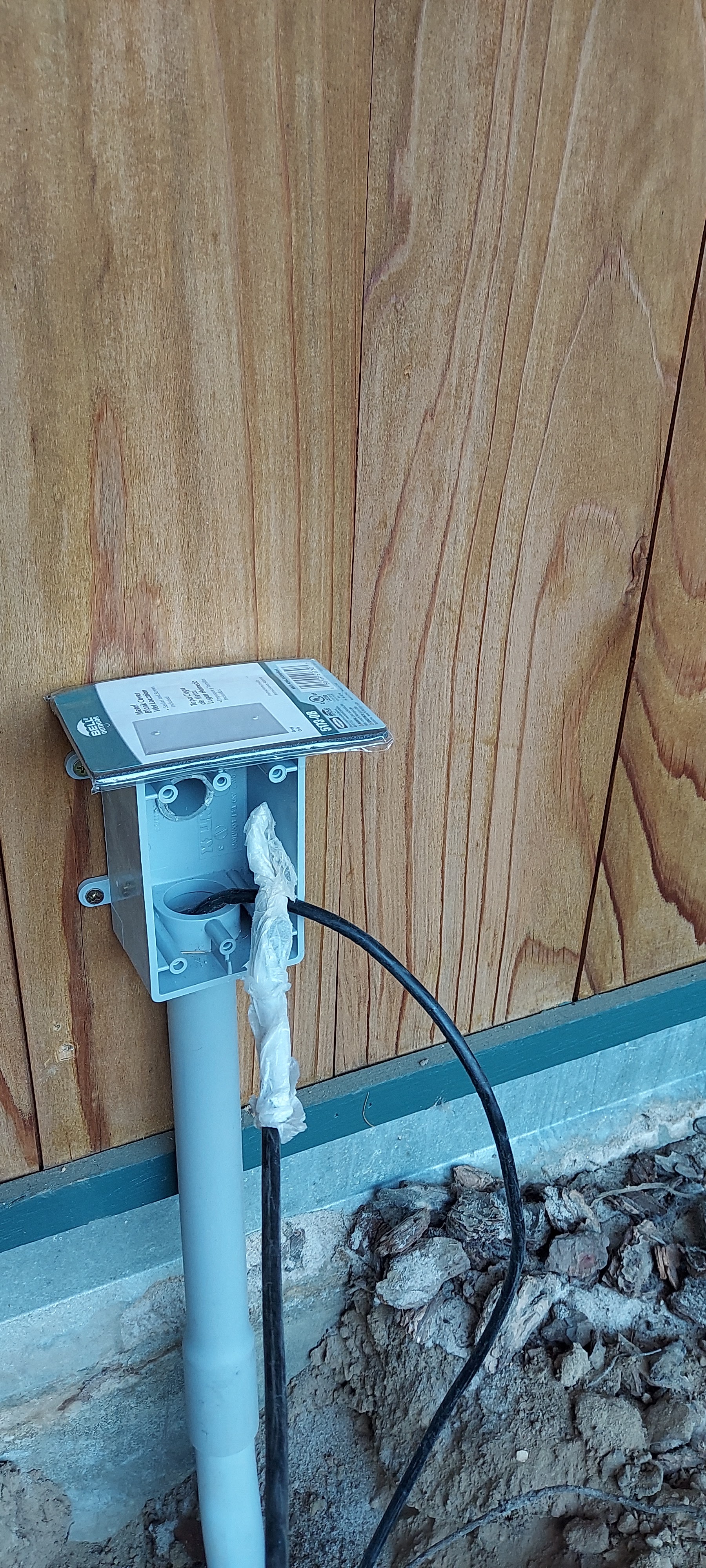
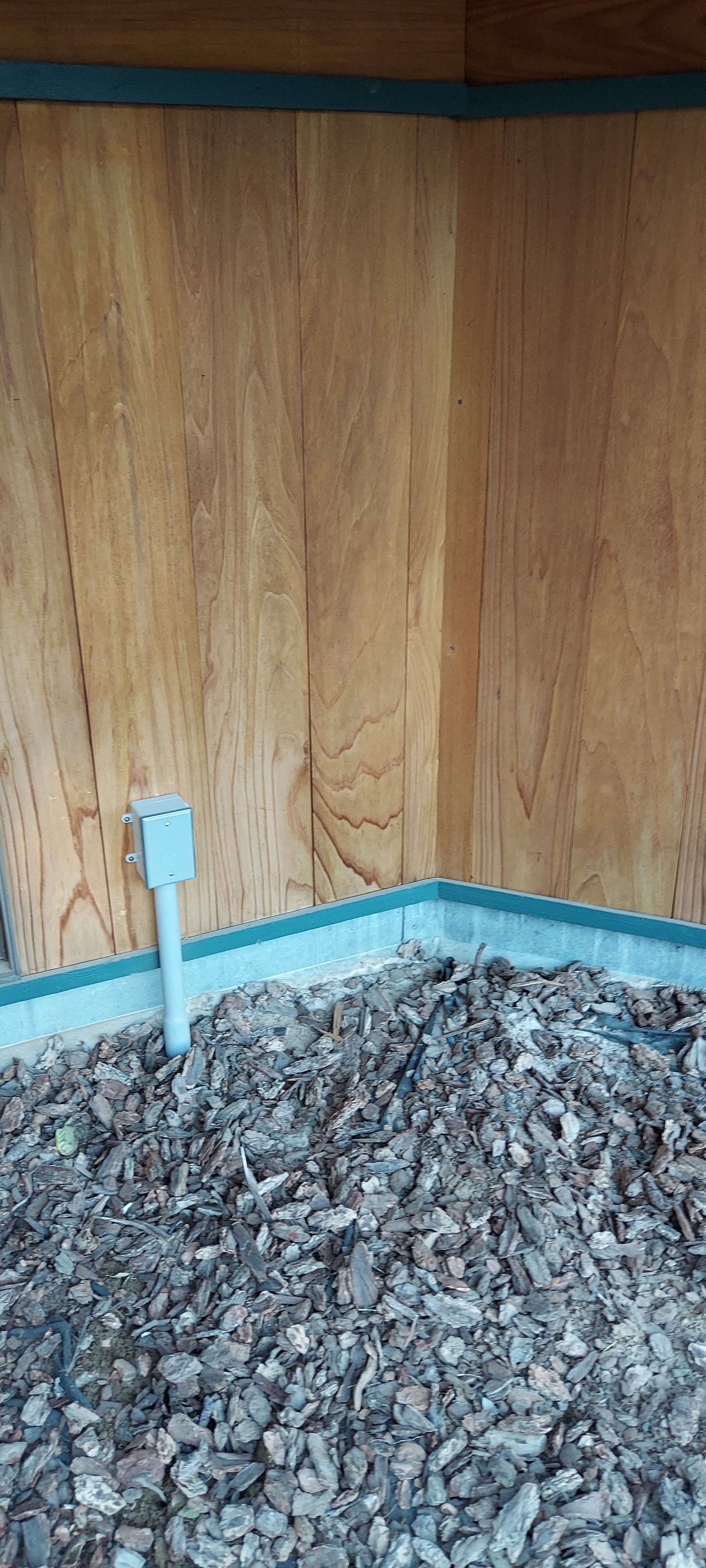
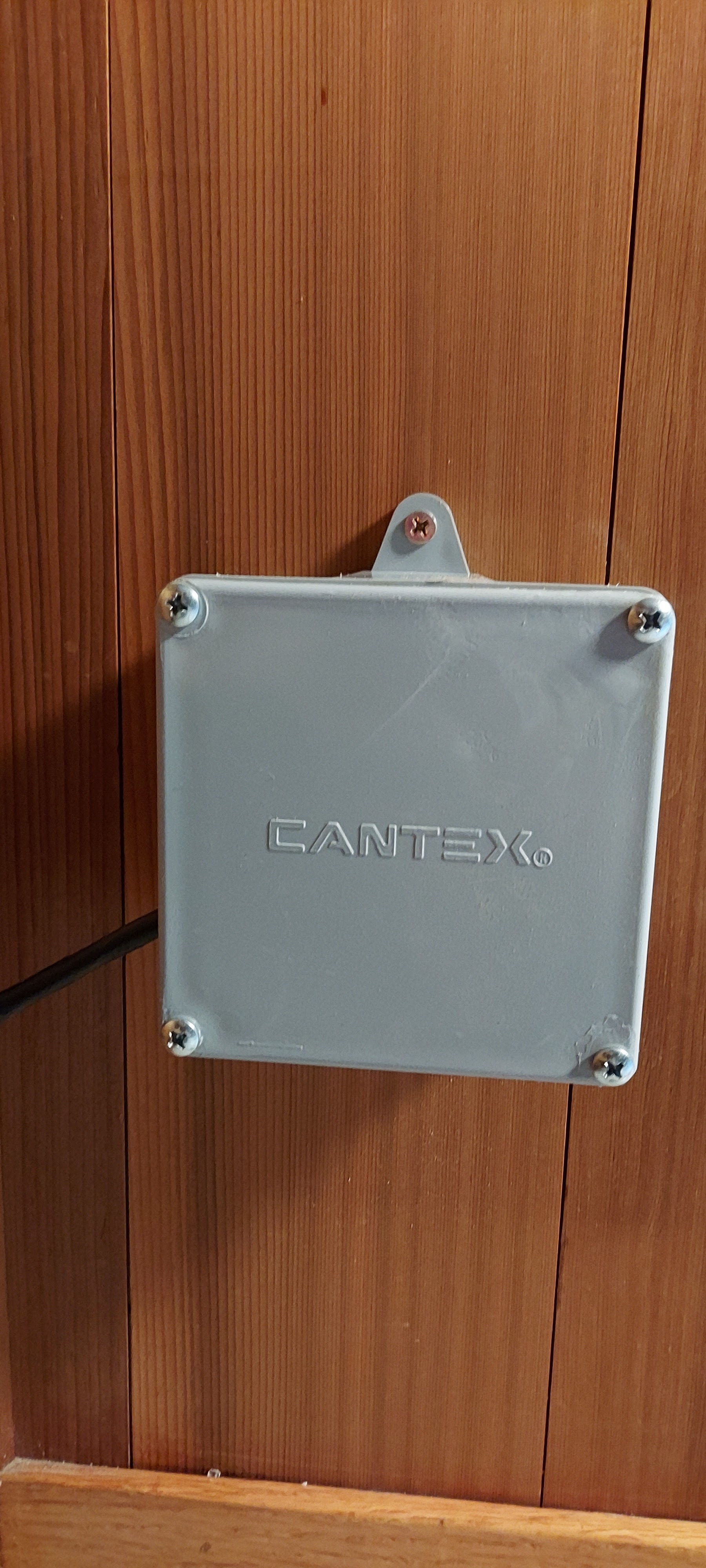
The choke on the Starlink cable will just barely fit in a 3/4 inch conduit, but won’t go around bends, so we ended up with 100 feet of 1″ and 200 feet of 3/4 inch conduit for the added CAT6 cable. 200 feet from the house, we added a post and used a surge protector, above ground, as a connector. This will allow us to pull the Starlink cable back out through the large conduit should we need to remove it for any reason.
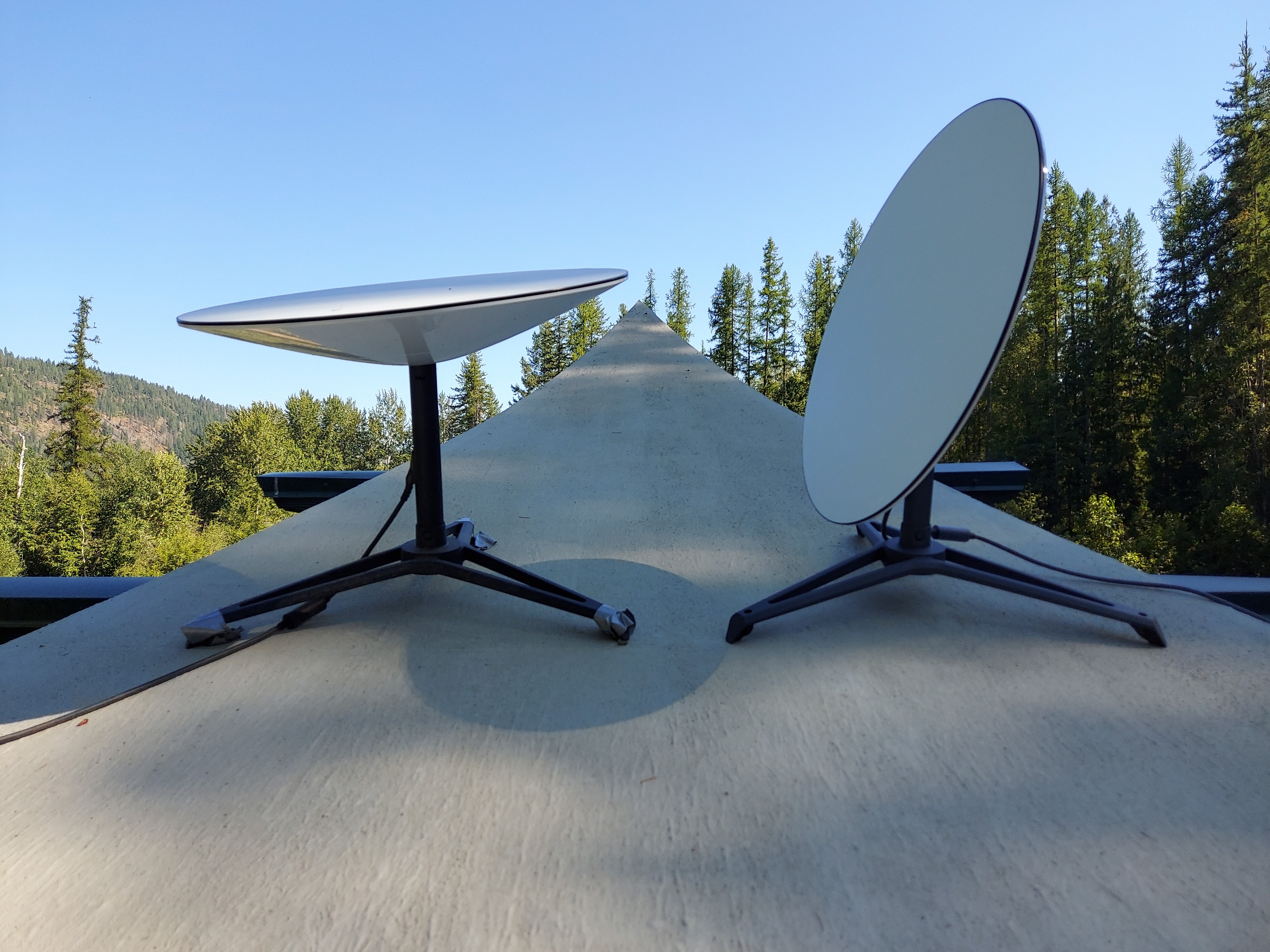
We are on our second dish set up, so replacement is a real possibility. Pic of dead dish on the left, fresh replacement on the right.
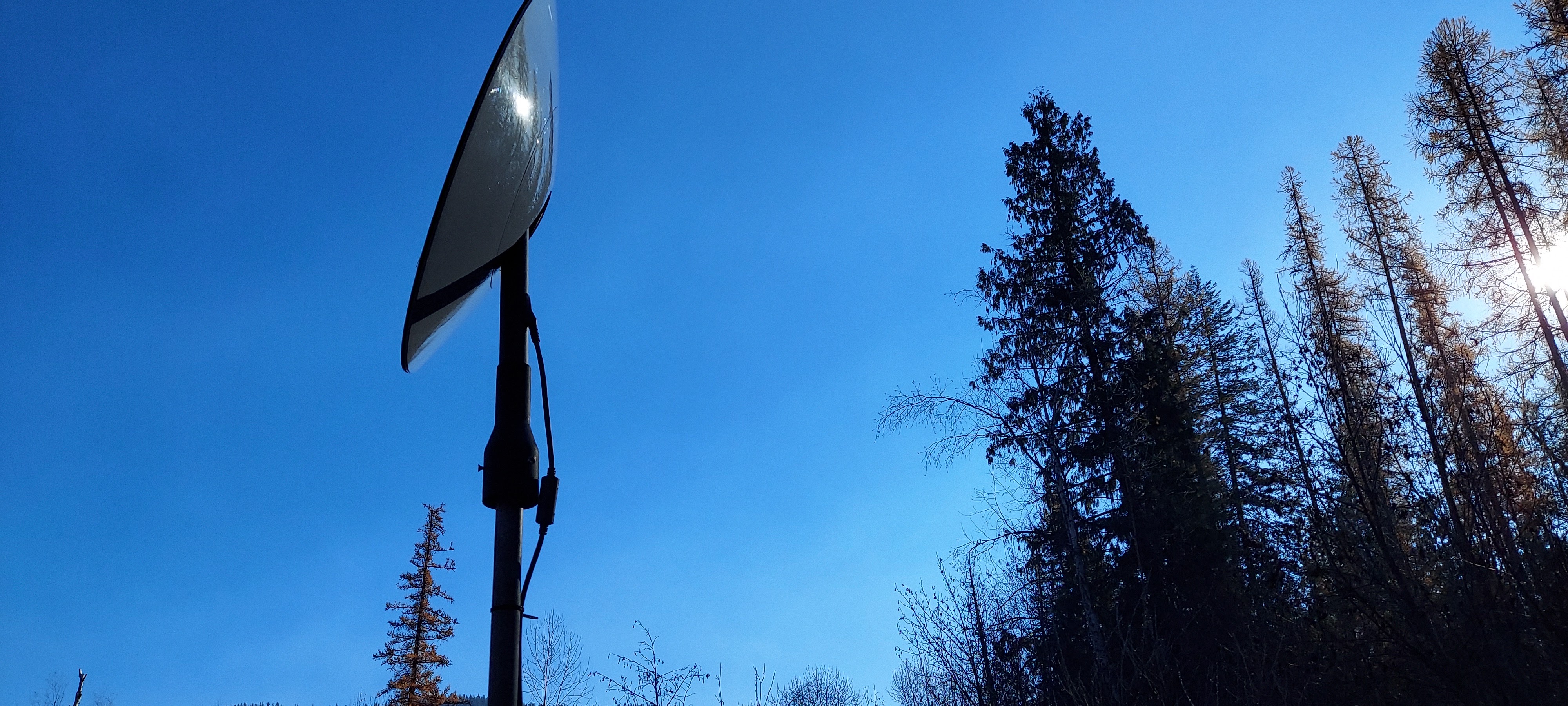
First location with too many trees to the north (this pic is south facing)
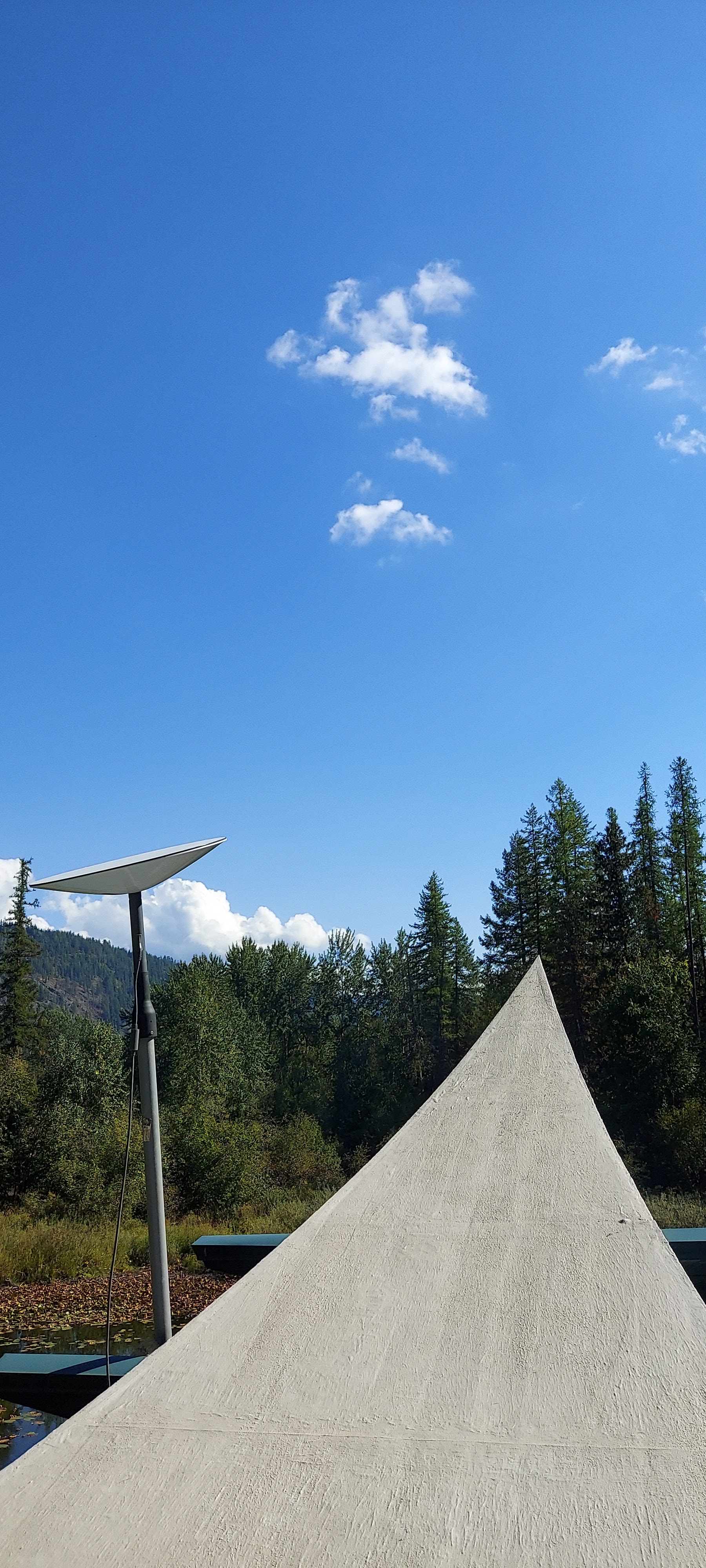
Next location attempt, same spot, but on a pole for height and stability:
Speed and interruptions in original location:
And on to the installation of the cable and conduit. This picture shows us test fitting the conduit. The larger pipe is what we buried under the sidewalk and slid the smaller conduit through that. We used a hose with a pinpoint type nozzle on it to “drill” under the sidewalk after digging good sized holes on either side. It was actually the easiest part.
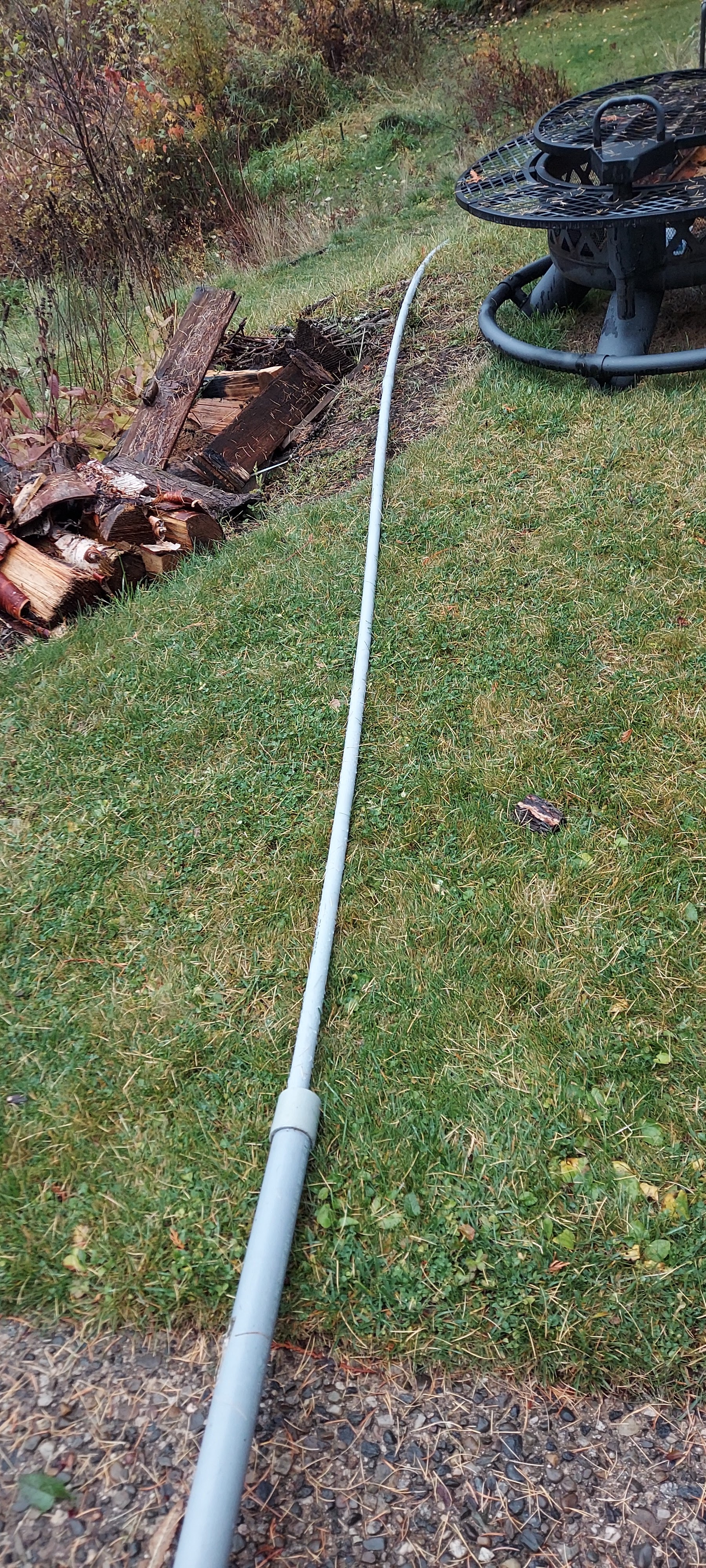
Next, we rented a trencher. Using a trencher can be fun, but this little one kept getting itself stuck, and the pull starter rope broke but the worst part of using a trencher is that you get to use it to dig a trench, but the darned thing won’t go in reverse and fill the dirt back into the trench. So, we dug it out, all 300 feet or so, and dug three holes, one for the dish post, and one for the surge protecting connector and one at the terminus at the house.
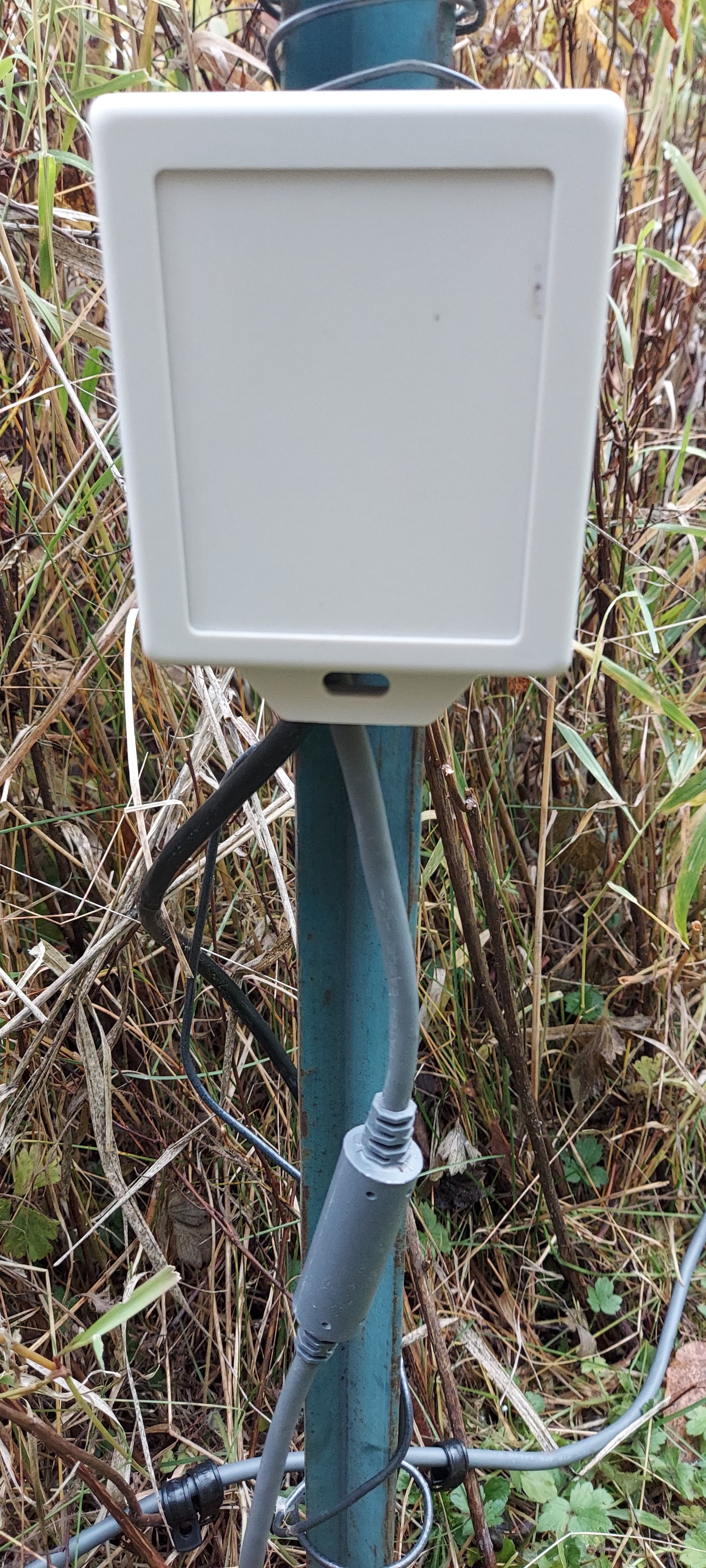
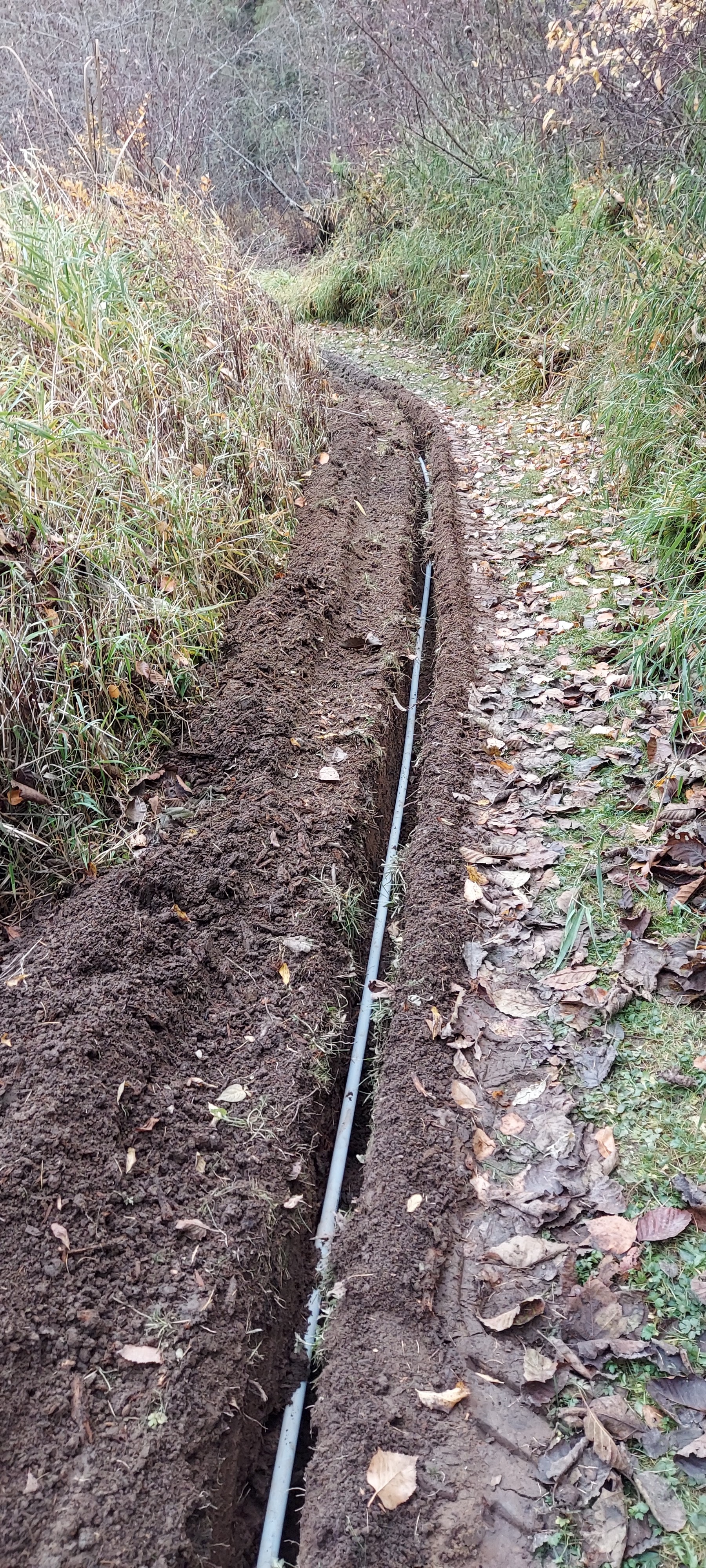
The wire pulled through each section, we glued them all together and dropped them into the trench. It sounds easy when we just say it like that, but its kind of a pain in the rear. Pro tip: Wrap your terminated ends in cling wrap film to protect them. Lesson learned.
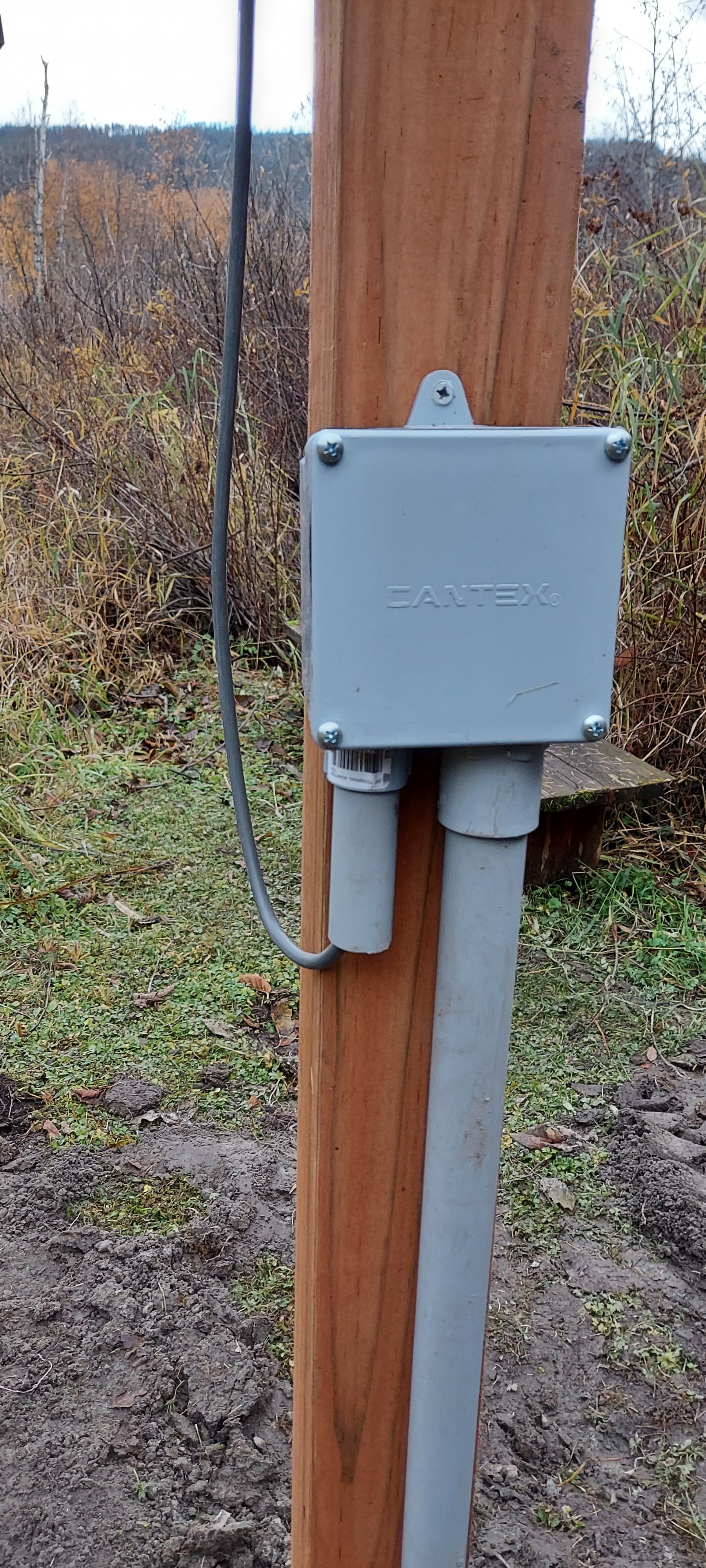
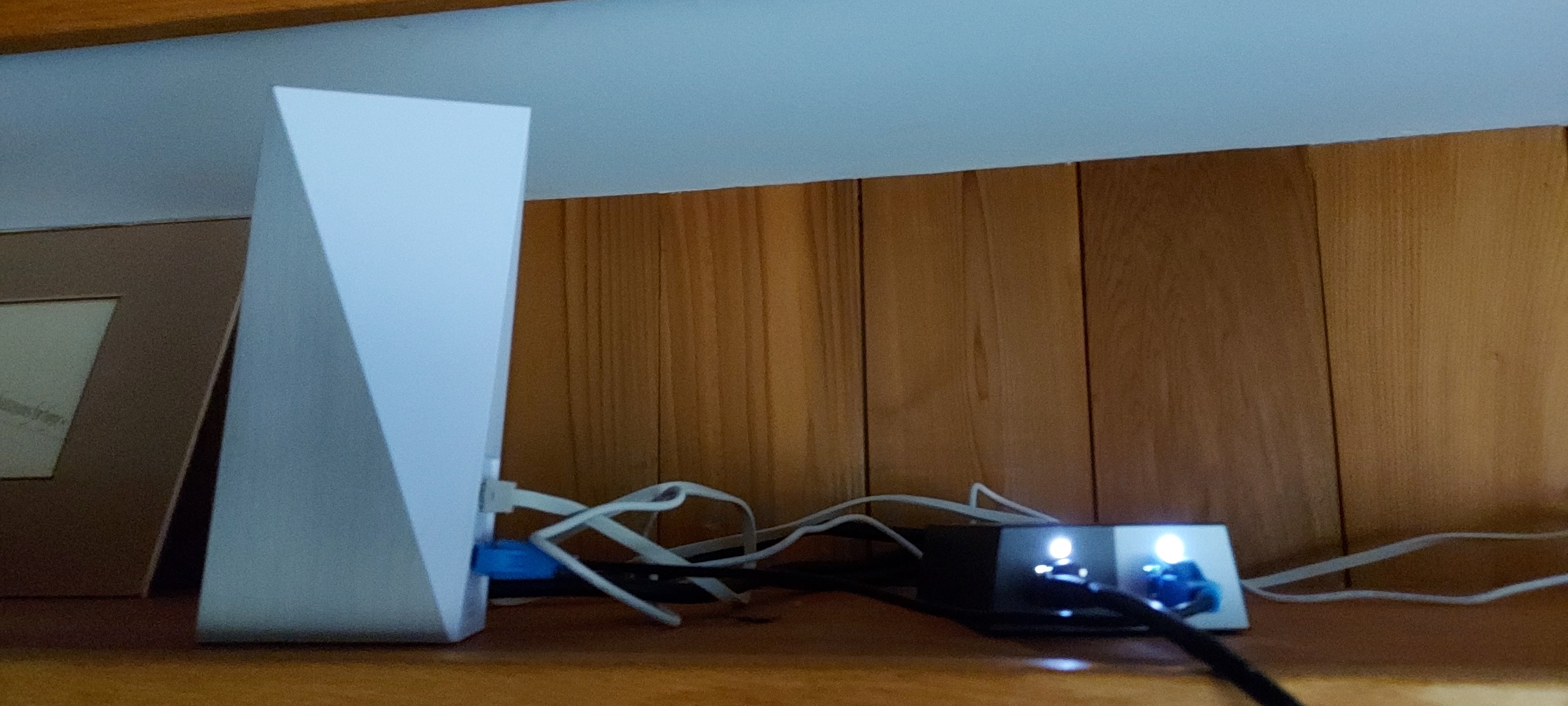
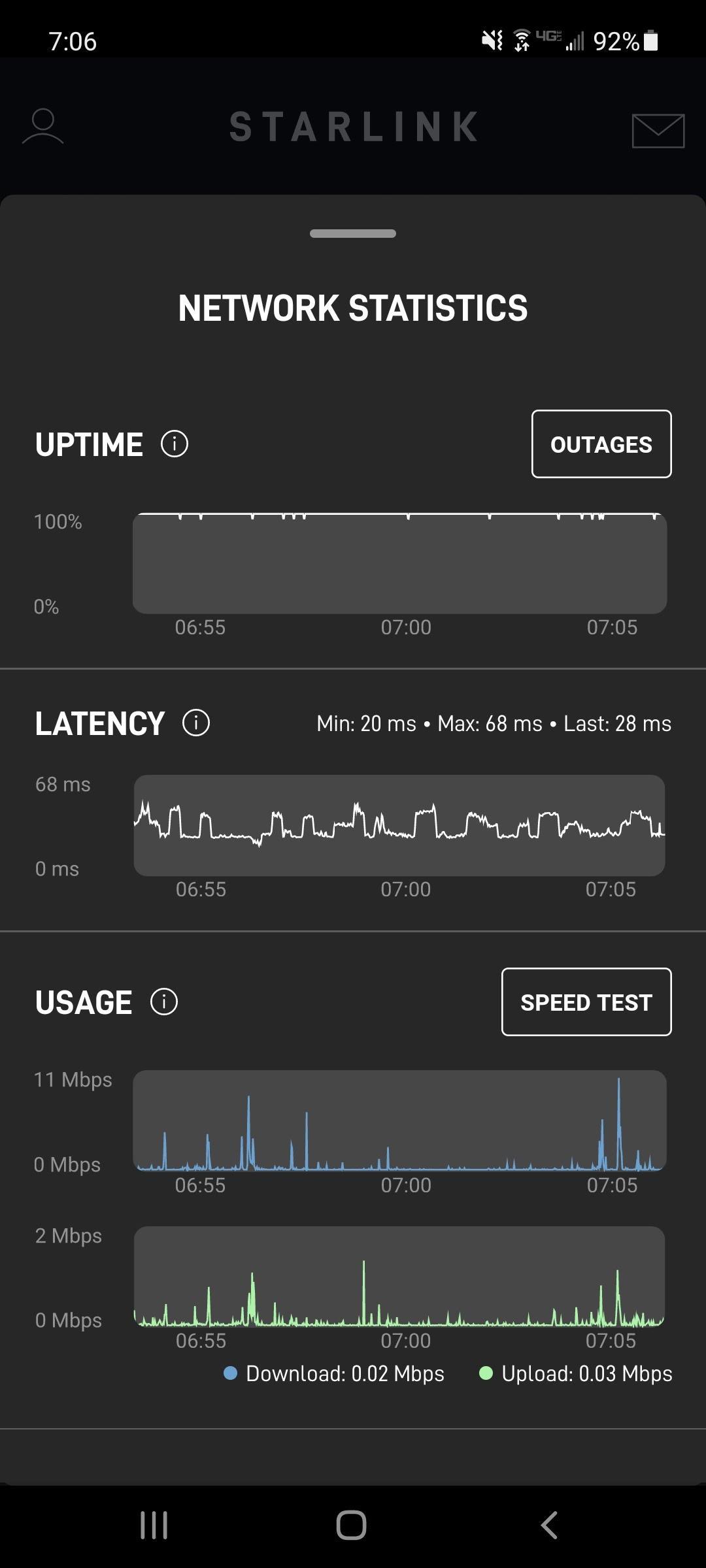
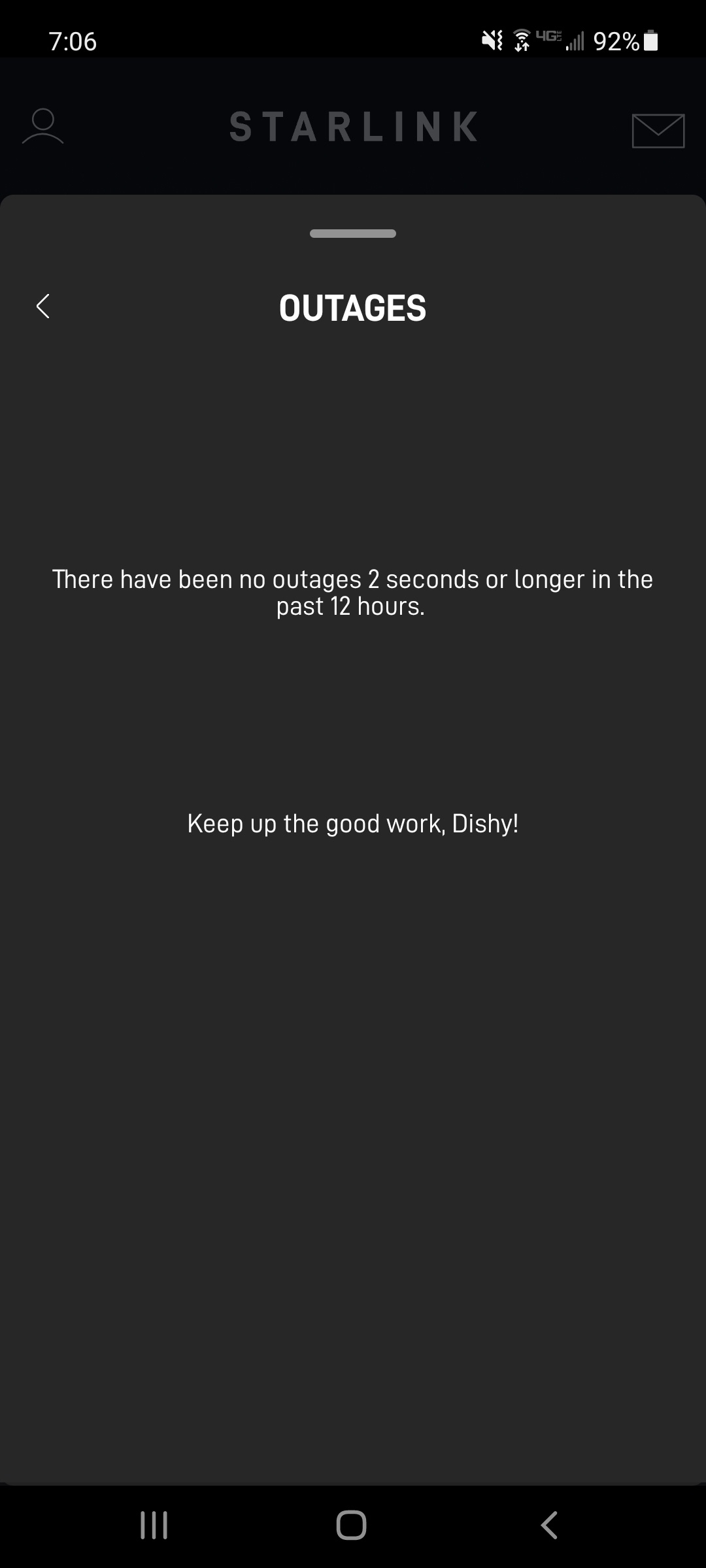
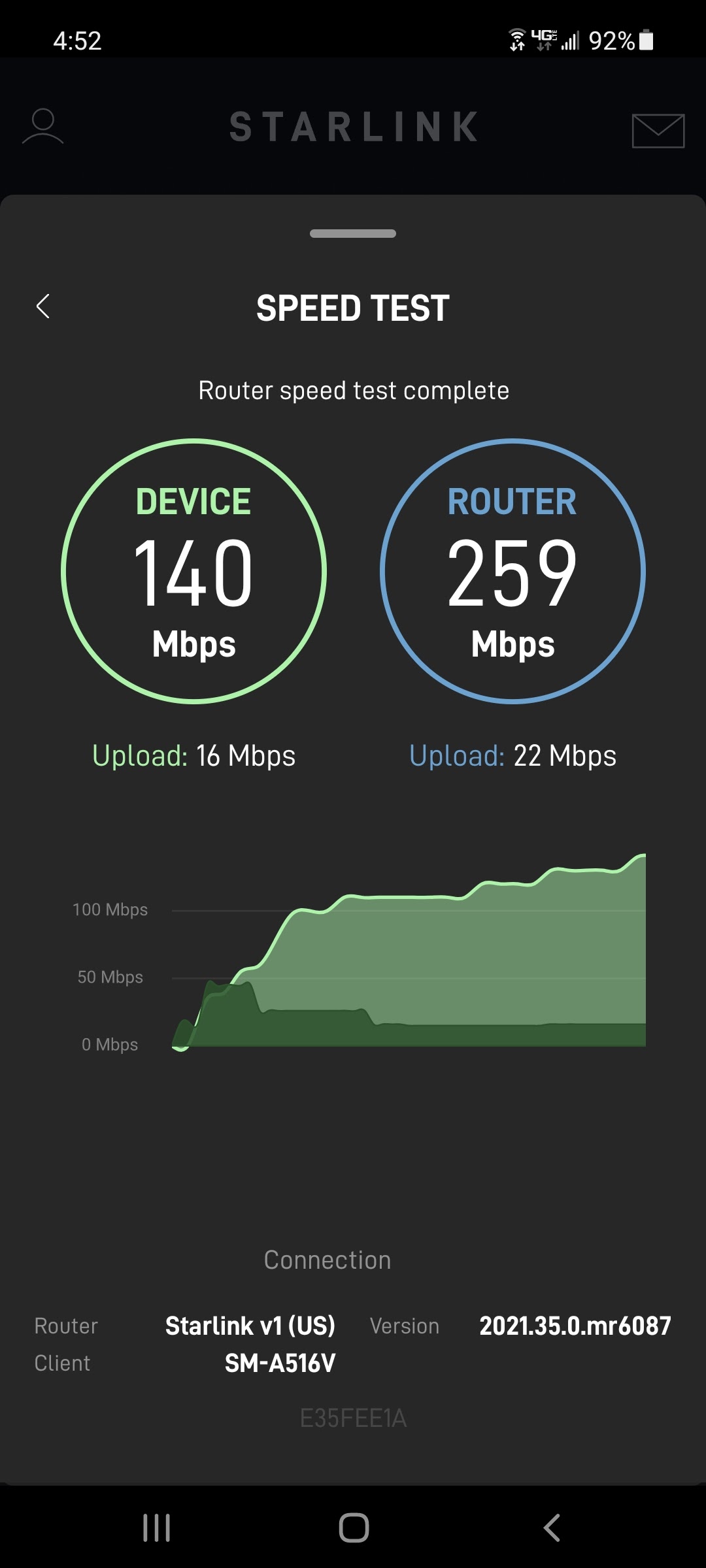
All in all, this required some labor, but we’ve been up and running for two weeks now, and speeds and stability are great. I’ve got a 3 piece mesh wifi system on the back side, so I know I lose speed, but it seems to work plenty well. (I just noticed 2 bars of 4G in the pc
#starlink #elonmusk #rural #internet #extension
 Pack River Woods
Leave a comment